
Download Advanced Contact Manager – contact manager, client communication, sales team tool, support team app, CRM alternative
Overview
Advanced Contact Manager is a productivity-focused mobile application developed by SoftPas, designed specifically for sales and technical support teams. Its primary purpose is to streamline client interaction management by centralizing communication data, order tracking, and conversation history. The app addresses common challenges faced by teams that rely on fragmented tools—such as missed follow-ups, disorganized client records, and inconsistent communication tracking—by offering a unified platform for managing client relationships on the go.
Target users include professionals in sales, customer support, and account management who require a lightweight yet functional tool to maintain accurate records of client interactions. The app is particularly useful for small to mid-sized teams operating in fast-paced environments where timely follow-ups and clear communication history are critical. By providing a centralized view of each client’s activity, Advanced Contact Manager helps reduce response times and improves service quality.
Although the developer did not provide additional technical details about the app’s development history, its release date of April 2, 2013, indicates a long-standing presence in the productivity space. This longevity suggests a stable, continuously maintained solution that has evolved to meet user needs over time. In the broader app ecosystem, Advanced Contact Manager serves as a lightweight alternative to full-featured CRM platforms, offering essential tools without the complexity or cost of enterprise systems.
Key Features & Functionality
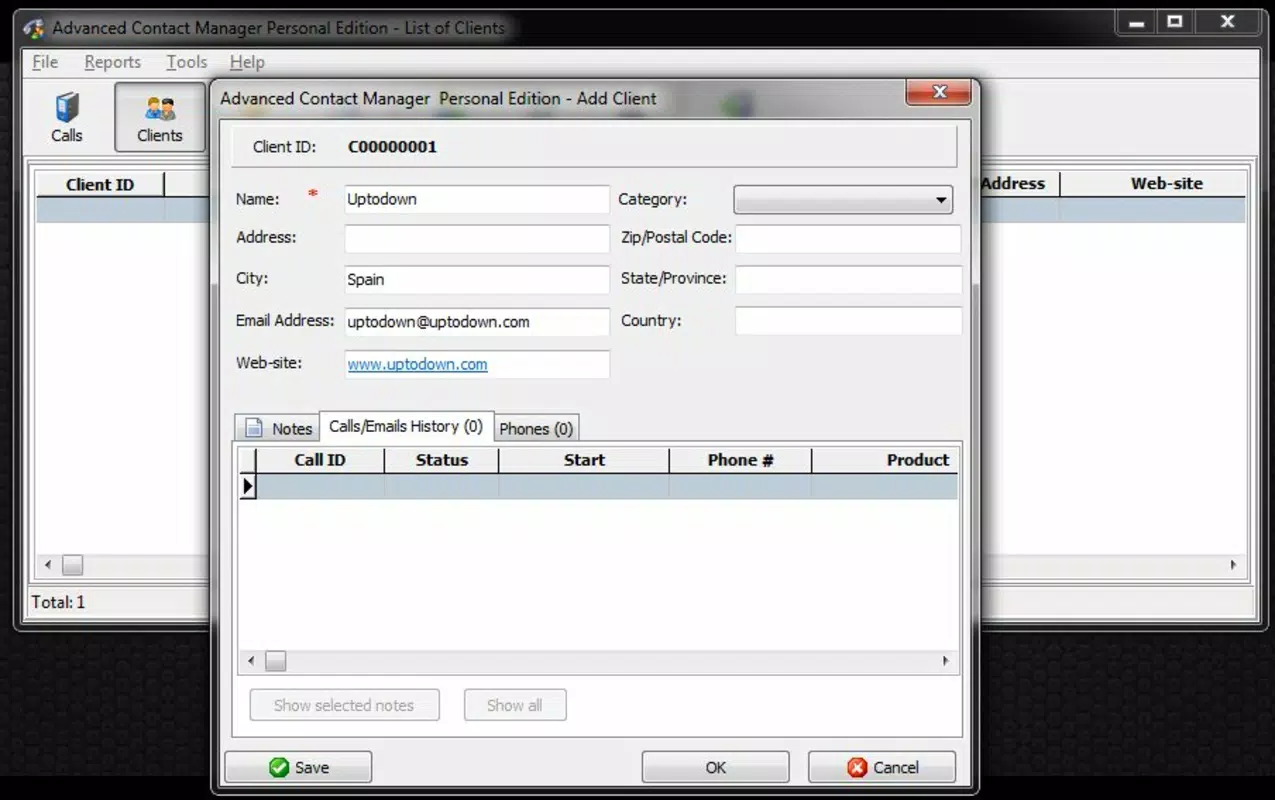
- Client Interaction Overview: The app functions as a digital registry, displaying a comprehensive summary for each client. Users can view conversation histories, identify assistants involved in interactions, and assess call priorities. This feature ensures that team members have immediate access to context during follow-ups, reducing redundancy and improving response accuracy.
- Call Management System: Advanced Contact Manager tracks both incoming and outgoing calls, recording call history and conversation details. This enables teams to maintain a chronological log of all client interactions, which supports performance monitoring and accountability.
- Email Tracking: The tool allows users to monitor all outgoing emails to clients. This ensures no communication is overlooked and maintains a complete dialogue history, which is essential for consistency across team members and for resolving disputes or misunderstandings.
- Customizable Translation: While the app is primarily in English, users can manually translate key terms to suit their language preferences. This feature enhances accessibility for non-English speaking teams, allowing them to adapt the interface to better fit their workflow.
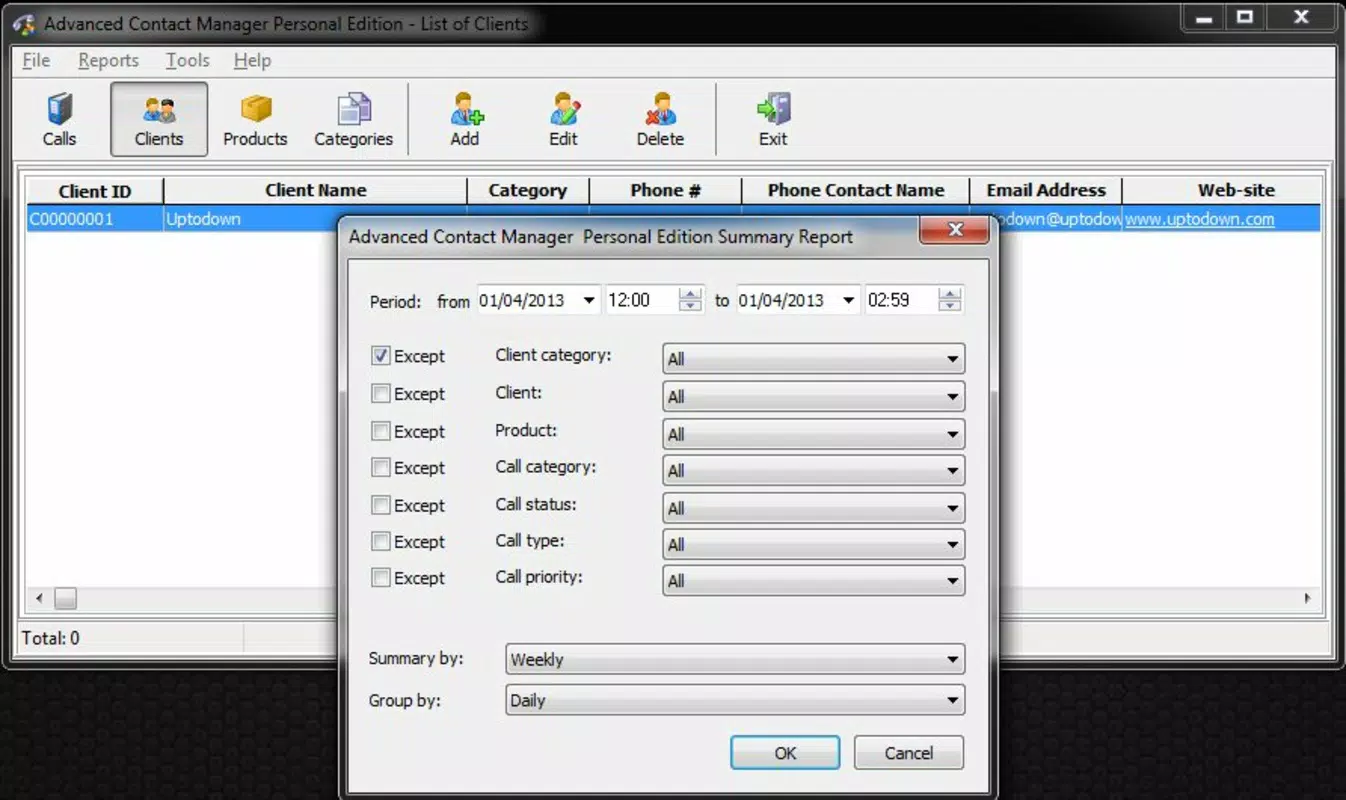
- Performance Analysis Tools: The app includes analytics capabilities that help managers evaluate team performance. By reviewing call statistics and conversation quality, supervisors can identify training gaps, recognize top performers, and implement data-driven improvements.
These features are especially beneficial in real-world scenarios such as managing a high-volume support queue, coordinating multi-agent client interactions, or ensuring compliance with internal communication protocols. The integration of tracking and analytics supports both operational efficiency and team development.
Interface, UX & Performance
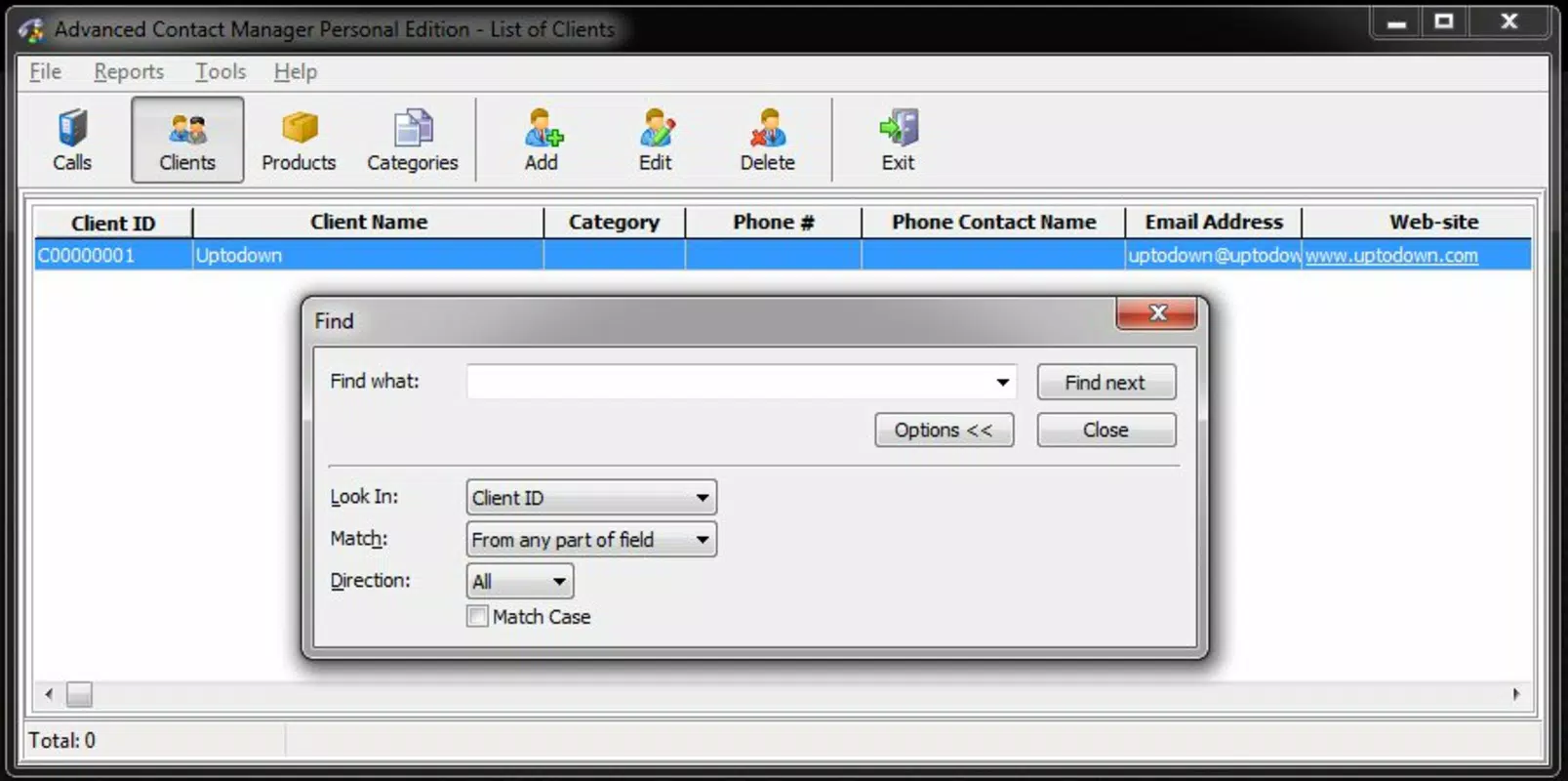
Advanced Contact Manager features a clean, user-friendly interface that prioritizes functionality and ease of navigation. The layout is designed to minimize cognitive load, allowing users to access client data quickly without unnecessary steps. Key information such as call history, email logs, and assistant assignments is presented in a structured, digestible format.
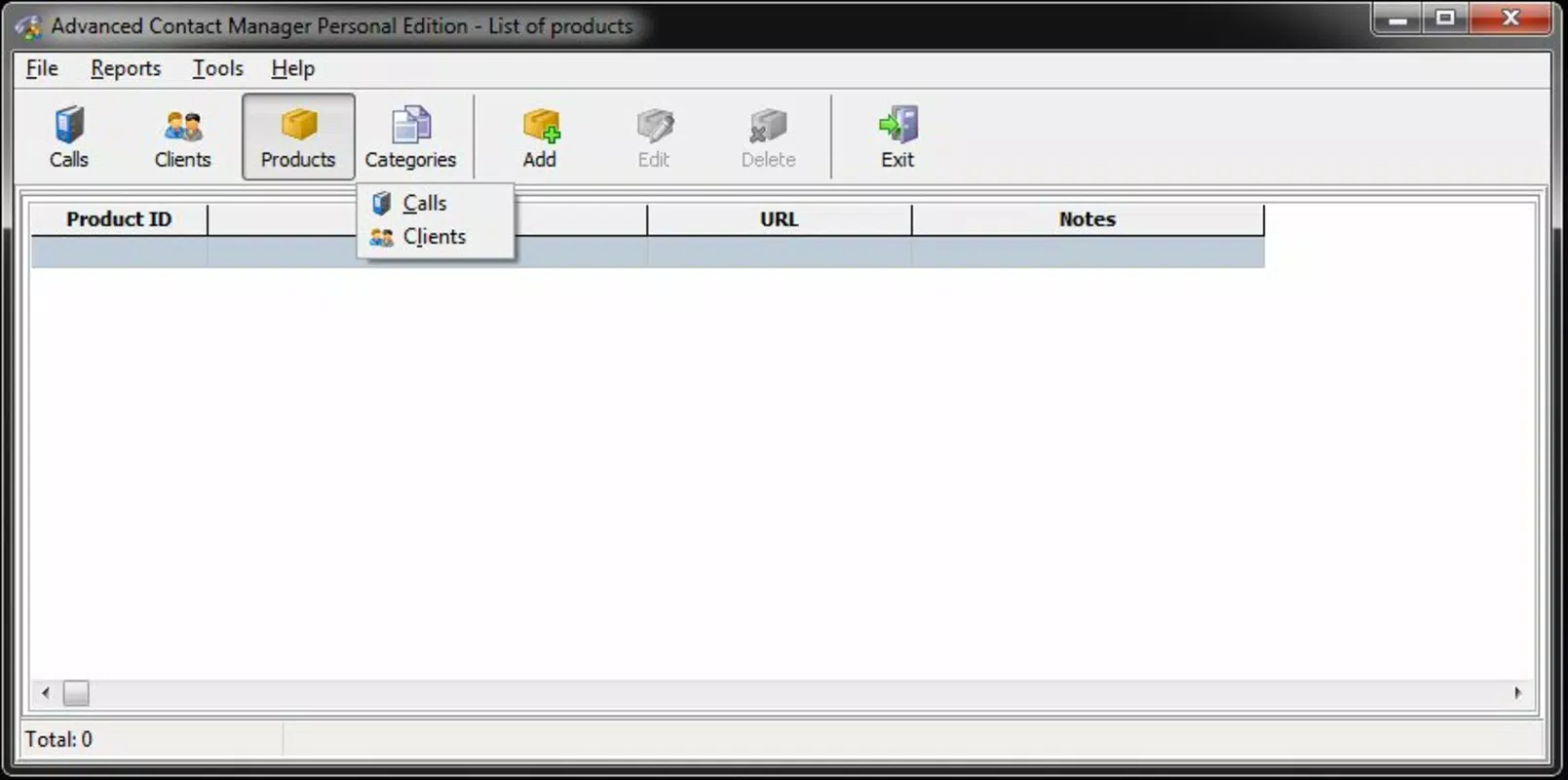
Navigation appears to follow a logical flow, with primary actions—such as viewing client profiles or logging new interactions—readily accessible from the main screen. The app’s visual style is minimalistic, focusing on clarity rather than decorative elements, which enhances readability and usability across various screen sizes.
Although the developer did not list formal performance metrics, the app’s lightweight size of 2.5 MB suggests optimized resource usage. This makes it suitable for a wide range of Android devices, including older models with limited processing power and memory. The app likely maintains responsiveness during routine tasks such as searching client records or reviewing conversation logs.
Stability appears to be a strength, given the app’s long-standing presence in the market. However, specific details about crash rates, update frequency, or compatibility with newer Android versions were not disclosed. Users should expect consistent behavior during standard use, but may encounter limitations when using advanced features on outdated systems.
Platform Compatibility & Technical Requirements
Advanced Contact Manager is available exclusively on the Android platform. The current version is 1.4.3, with a file size of 2.5 MB, indicating a lightweight, low-storage footprint. This makes it ideal for users with limited device space or older Android devices.
The developer did not specify minimum OS requirements or compatibility details for newer Android versions. As such, users should exercise caution when installing on devices running Android 10 or higher, as the app may not support all modern features or security standards. Compatibility with future Android updates remains uncertain without official documentation.
Pros and Cons
Pros
- Lightweight design with minimal storage requirements (2.5 MB)
- Free to download and use, making it accessible for small teams
- User-friendly interface focused on essential client management tasks
- Supports manual translation for non-English users, enhancing accessibility
- Offers core CRM-like functionality without complex setup or subscription fees
Cons
- Developer did not provide information on minimum OS version or compatibility
- App has not been updated since 2013, raising concerns about long-term support
- Limited to Android platform; no iOS or cross-platform availability
- No official details on security protocols or data encryption practices
- Performance on modern Android devices may be inconsistent without updated code
FAQ
Is Advanced Contact Manager available for iOS devices?
The app is currently only available on the Android platform. There is no official iOS version or indication of future support.
Can I use Advanced Contact Manager without an internet connection?
While the app may allow basic data viewing offline, core features such as email tracking and call logging likely require connectivity to sync data with a central system.
How often is the app updated?
The latest version, 1.4.3, was released in 2013. No recent updates have been published, and the developer has not announced a maintenance schedule.
Is the app secure for storing client information?
The developer did not disclose specific security measures or data encryption practices. Users should exercise caution when storing sensitive client data.
Can I export client data from the app?
There is no information available regarding data export functionality. Users should verify whether the app supports data backup or transfer.
Final Thoughts
Advanced Contact Manager remains a niche but functional tool for sales and support teams seeking a lightweight alternative to full CRM systems. Its focus on core client interaction tracking—calls, emails, and conversation history—makes it a practical choice for small teams with straightforward needs. The app’s minimal size and free pricing model add to its appeal, especially for users operating on tight budgets or older devices.
However, its lack of recent updates and unclear compatibility with modern Android versions present significant risks. Teams relying on long-term stability and security should consider these limitations carefully. Despite its age, the app still delivers value in specific use cases where simplicity and low overhead are prioritized.
For professionals who need a no-frills, cost-effective solution to manage client communications, Advanced Contact Manager offers a viable option. Download Advanced Contact Manager now


